

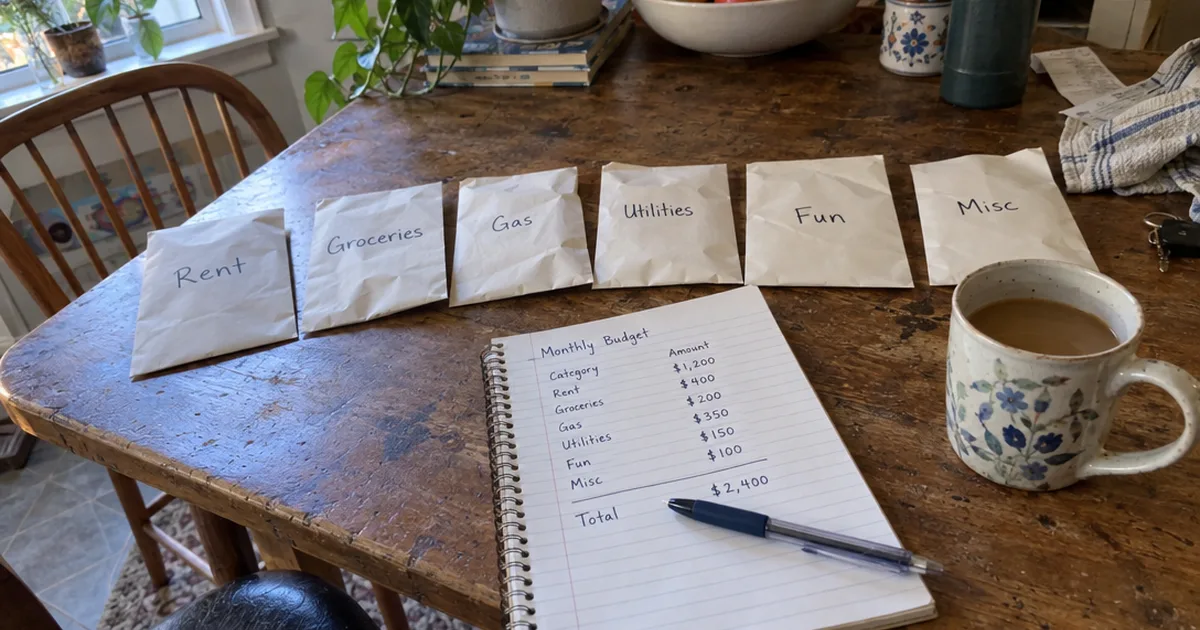
YNAB gives college students 365 free days.
Everyone else gets 34, and then there’s no free plan at all.
The good news?
These 5 free YNAB alternatives keep “give every dollar a job” alive at no charge. They’re ranked from the least setup to the most, each with its free plan’s real limits.
Here’s the fast way to pick:
- Sharing one budget with a partner on two phones works on the free plan of #1.
- Paid every other week? #3 runs fortnightly budgets for free.
- If you’d rather live in a spreadsheet, go with #4.
- Comfortable installing software and want the closest copy of YNAB: #5.
The 5 Free YNAB Alternatives at a Glance
Each button opens that tool’s official site.
| # | App | Method | Free version | Visit |
|---|---|---|---|---|
| 1 | Goodbudget | Envelope budgeting | Free plan, 20 envelopes | Visit Site |
| 2 | EveryDollar | Zero-based budgeting | Free version, manual entry | Visit Site |
| 3 | The Budgeting App | Pay-cycle budgets | Permanent free plan | Visit Site |
| 4 | Aspire Budgeting | Zero-based spreadsheet | Free spreadsheet template | Visit Site |
| 5 | Actual Budget | Zero-based desktop app | Free, open-source | Visit Site |
The 5 Best Free YNAB Alternatives, Reviewed
The reviews run in the same order as the table, from the tool you can start fastest to the one that asks the most of you. Where a company publishes its free-plan limits, they come from its own page.
1. Goodbudget [Best Free Envelope Budgeting App]
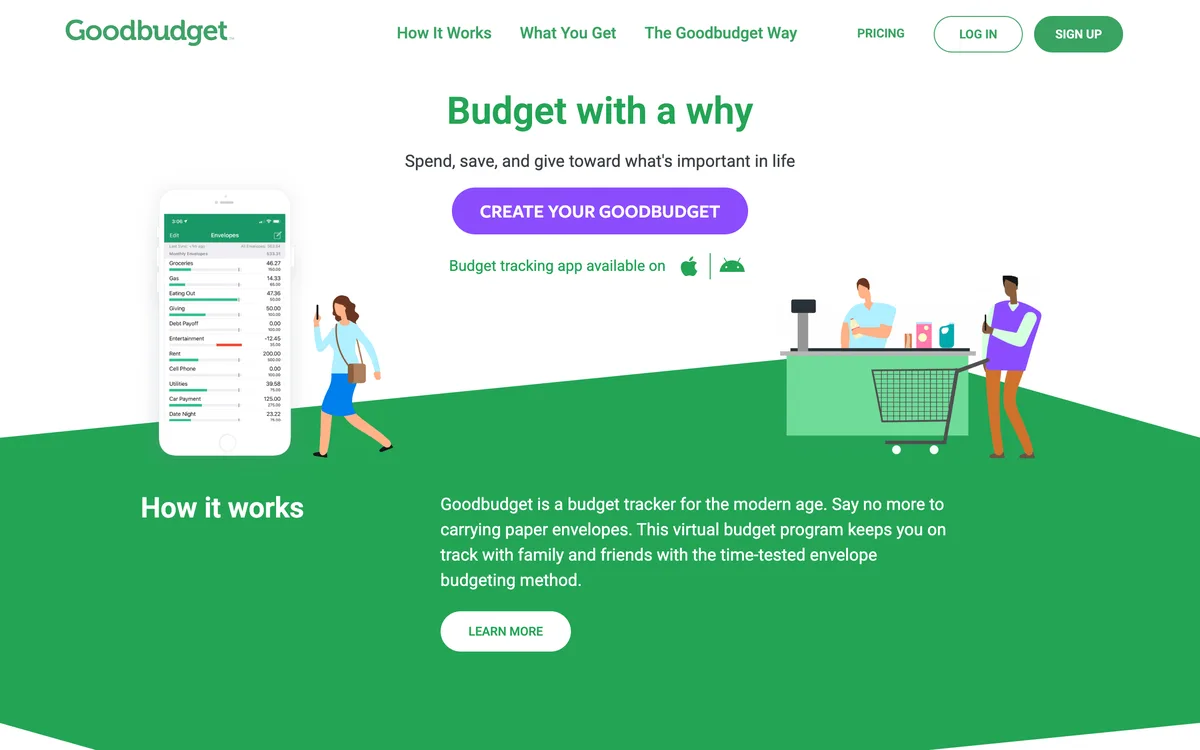
Goodbudget turns the old envelope system into a mobile app: you split your income into labeled envelopes and stop spending from one when it’s empty. That’s the same plan-before-you-spend habit YNAB teaches, so the switch feels familiar on day one.
The Goodbudget subscriptions page spells out the free version: 10 regular envelopes, 10 more envelopes, 1 account and 1 year of history. It also syncs on up to 2 mobile devices plus the web.
Two phones on one free budget means a couple can share it without paying anything.
The catch is the envelope cap.
Twenty envelopes covers a simple budget, but a detailed one with sinking funds runs out of room fast. There’s also no bank sync on the free plan, so you log every purchase yourself, much like a cashless envelope system on paper.
Here’s the reassuring part: if you try a paid plan and cancel, you don’t lose your budget. The same page says your household drops back to the free version, and you can keep using it as long as you like.
Want the full head-to-head on features? The Goodbudget vs. YNAB breakdown goes deeper.
| Goodbudget at a Glance | |
|---|---|
| 📱 How It Works | Envelope budgets on web, iPhone and Android |
| 💰 Free Version | Free forever plan, paid upgrade optional |
| ⭐ Standout Feature | One free budget shared on 2 phones plus the web |
| 🎯 Best For | Couples sharing finances and first-time envelope budgeters |
| ⚠️ Skip It If | You need more than 20 categories or more than 1 account |
| ⏱️ Setup | Easiest: sign up and fill your envelopes |
2. EveryDollar [Best Free Zero-Based Budgeting App]
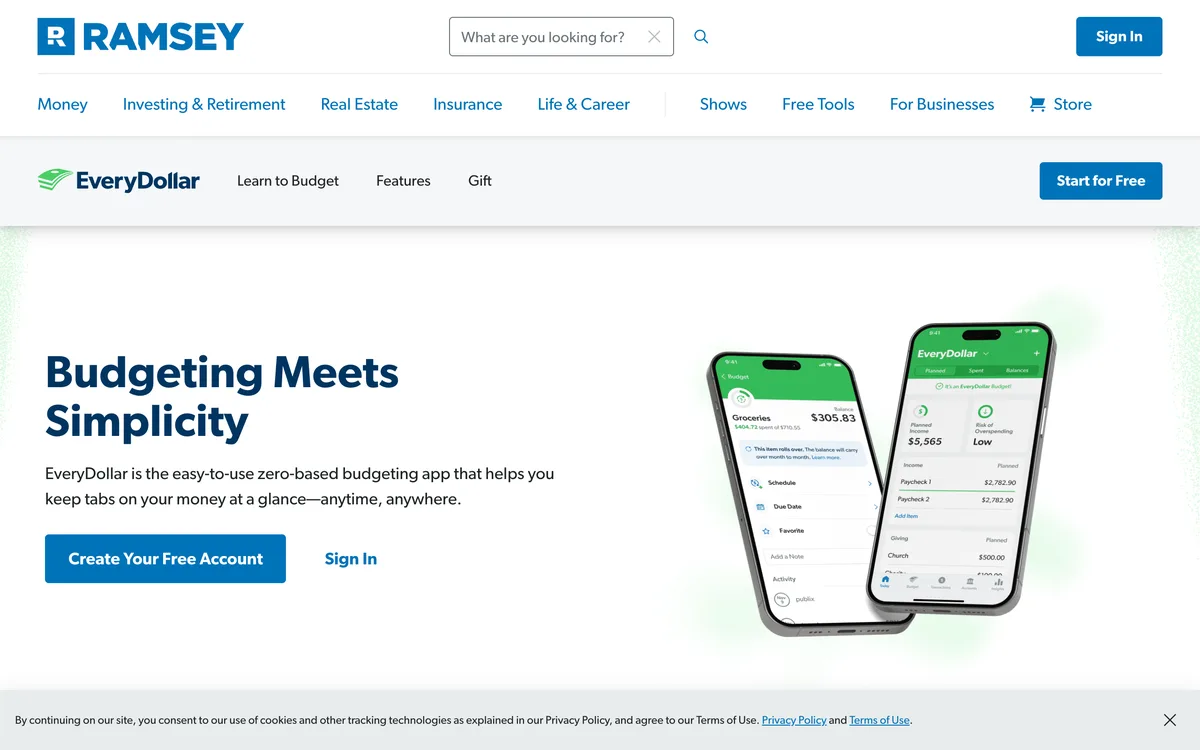
EveryDollar is the budgeting app from Ramsey Solutions, built on zero-based budgeting. Your income minus every planned expense, goal and debt payment should equal zero.
That’s the YNAB idea in plain form, so former YNAB users have little to relearn.
The free version lets you build a monthly budget with your own categories and track spending against it. Unlike Goodbudget, it doesn’t hold you to a set number of categories.
So what’s missing? Automatic bank connection.
That feature sits behind EveryDollar Premium, which means the free version is manual entry only. If you’re fine typing in each expense, that’s not a big loss, and some people find it keeps spending top of mind.
EveryDollar also leans hard on the Ramsey philosophy, so it fits best if you already follow the Dave Ramsey Baby Steps. If you want to compare it with paid zero-based apps too, see our picks for the best zero-based budget app.
| EveryDollar at a Glance | |
|---|---|
| 📱 How It Works | Monthly zero-based budget on web and phone |
| 💰 Free Version | Free version with manual entry, Premium optional |
| ⭐ Standout Feature | Every dollar of income planned to zero each month |
| 🎯 Best For | Ramsey followers who want a strict monthly plan |
| ⚠️ Skip It If | You won't keep up with logging purchases by hand |
| ⏱️ Setup | Easy: sign up and build this month's plan |
3. The Budgeting App [Best Free App for Biweekly Paychecks]
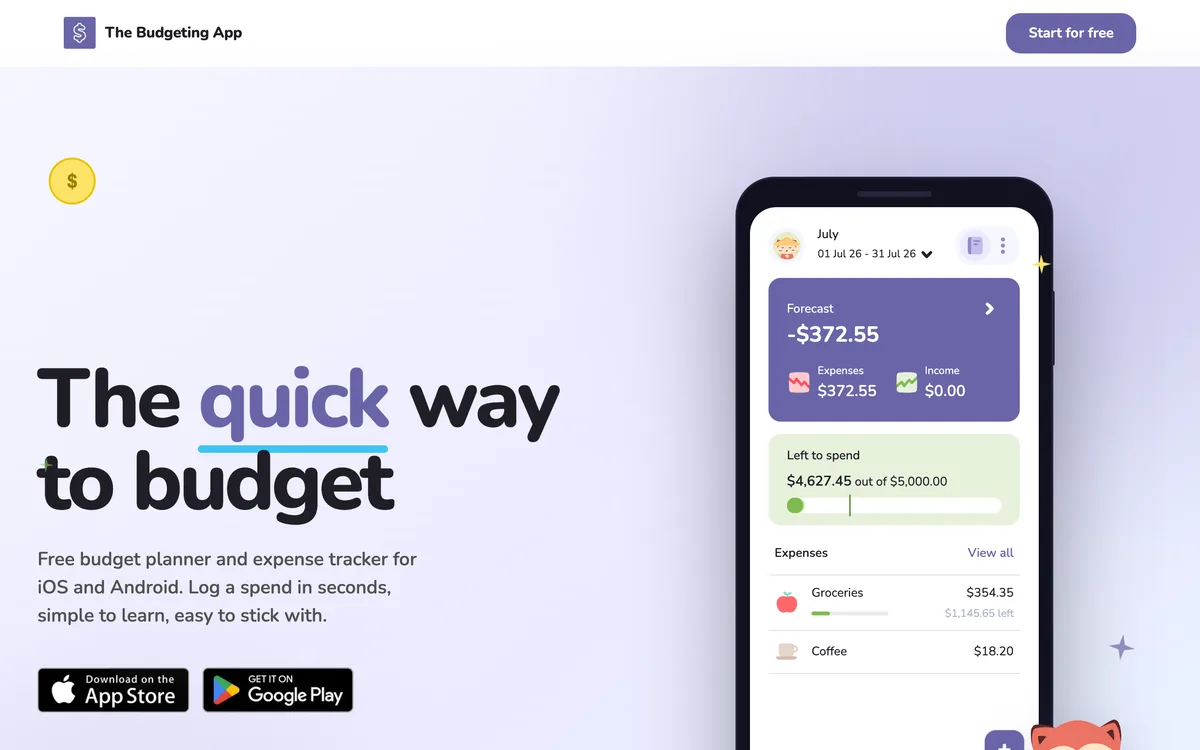
The Budgeting App is a mobile app for iOS and Android that budgets by your pay cycle instead of by the calendar month. If your paycheck lands every two weeks, that alone can make budgeting simpler than YNAB, which plans month by month.
Its YNAB comparison page, last verified in September 2026, says the free plan includes manual entry, offline mode, sync across devices and weekly, fortnightly or monthly budgets. The free tier is permanent, so there’s no trial clock and no credit card to enter.
Here’s how a couple can use it:
Sign in with the same login on both phones, and the shared budget syncs in real time. Device sync is part of the free plan, so neither of you pays to share.
The trade-off is that there’s no full web app, so this one suits people who budget on their phone, not a laptop. Bank sync through Plaid needs a paid plan, and the app skips net worth and investment tracking on purpose.
| The Budgeting App at a Glance | |
|---|---|
| 📱 How It Works | Weekly, fortnightly or monthly budgets on iOS and Android |
| 💰 Free Version | Permanent free plan, paid bank sync optional |
| ⭐ Standout Feature | Budgets that follow your actual payday |
| 🎯 Best For | People paid weekly or every two weeks |
| ⚠️ Skip It If | You do most of your budgeting on a computer |
| ⏱️ Setup | Easy: about 2 minutes, by the company's estimate |
4. Aspire Budgeting [Best Free Spreadsheet Alternative]
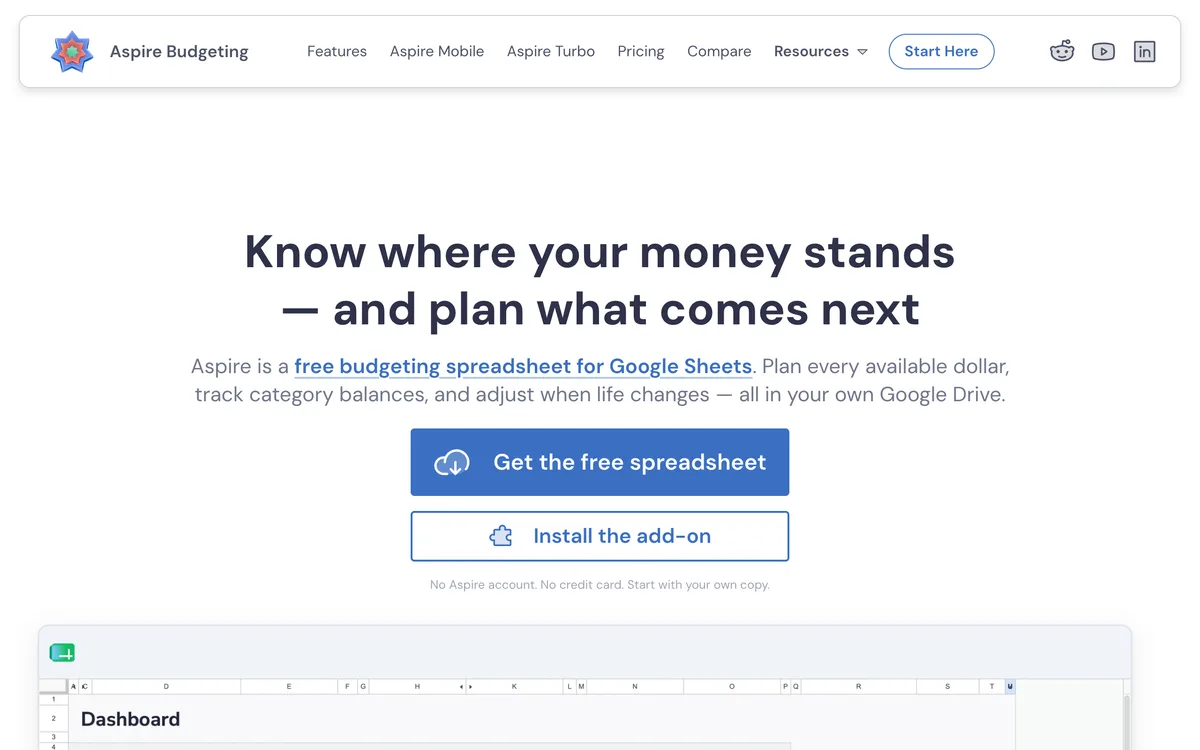
Aspire Budgeting is a free Google Sheets template built to copy the YNAB workflow. You assign income on a dashboard until “Available to Budget” hits zero, each category keeps a running balance, and you move money between categories when plans change.
The Aspire Budgeting site says your data stays in your own Google Drive and never asks for your bank login. A partner can open the same spreadsheet and edit it too, so a shared budget doesn’t mean a second subscription.
Compared with EveryDollar, you get more control over layout and reports. The price of that control is a spreadsheet interface, which feels clunky on a phone even with the mobile app.
There’s no automatic bank sync either. Aspire sells a paid add-on for importing bank files, but the free template is manual entry, and Aspire puts the full switch at about 15 minutes.
| Aspire Budgeting at a Glance | |
|---|---|
| 📱 How It Works | Zero-based budget in a spreadsheet |
| 💰 Free Version | Free template, paid import add-on optional |
| ⭐ Standout Feature | Your budget lives in your own Google Drive |
| 🎯 Best For | Spreadsheet fans and privacy-minded couples |
| ⚠️ Skip It If | You want a polished mobile app |
| ⏱️ Setup | Medium: about 15 minutes, per Aspire |
5. Actual Budget [Closest Free Copy of YNAB]
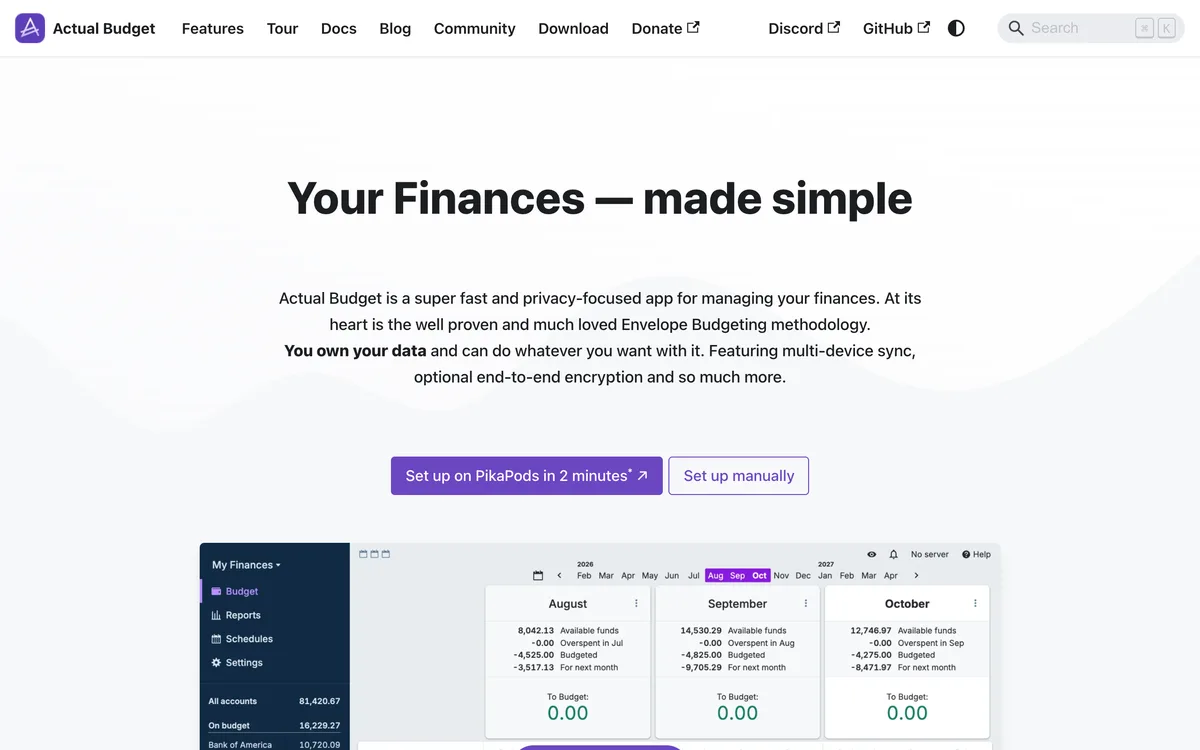
Actual Budget is free, open-source software that budgets the YNAB way: you give each envelope a job using only money you already have. If you want the YNAB feel with no subscription, this is the closest match on the list.
So why is it last? Setup.
The Actual Budget installation guide says a server isn’t required but is strongly recommended. Without one, you can still use every budgeting feature and import transactions from files, but phone use, browser use, syncing between devices and bank syncing all need a server.
Here’s the safest free way to start:
- Download the desktop app for Windows, Mac or Linux. It works offline and makes automatic backups.
- Import your bank’s transaction files and build your categories.
- Add a server later only if you want your budget on your phone too.
When you’re ready for that server, the guide lists several routes. PikaPods hosts it for you for a small monthly charge, while Docker or the server command runs it on a computer you already own.
Skip the browser-only quick start for real money. The same guide warns that it saves your data in the browser, and if browser memory is cleared, your data is lost.
| Actual Budget at a Glance | |
|---|---|
| 📱 How It Works | Envelope budgeting on desktop, or anywhere with a server |
| 💰 Free Version | Free software, paid hosting optional |
| ⭐ Standout Feature | The closest free match to the YNAB method |
| 🎯 Best For | Tech-comfortable budgeters who want control and privacy |
| ⚠️ Skip It If | You want to budget on your phone with zero setup |
| ⏱️ Setup | Hands-on: desktop download, server for phone and sync |
How We Picked These Free YNAB Alternatives
No app here was tested hands-on. Instead, each pick had to pass these checks:
- Free to keep using. Each tool has a free plan or free software with no end date, not just a trial.
- The YNAB method. Each one lets you plan money before you spend it, by envelope or zero-based categories.
- A clear catch. Every free plan has a limit, and we name it so you can decide before you move your budget.
- Ranked by setup. The order runs from the tool most readers can start today to the one that needs the most technical work.
Monarch Money, Copilot Money and PocketGuard show up on plenty of YNAB alternative lists, but none of them has a permanent free plan, so they’re out. If you’re open to paying, our roundup of budgeting apps covers them, and you can read a full PocketGuard review or see how YNAB compares with Monarch.
Is There a Free Version of YNAB?
YNAB has no permanent free version: you get a 34-day free trial, or a free year if you’re a verified college student.
A CostBench record of YNAB pricing, checked November 4, 2026, shows no permanent free tier, only a 34-day free trial with full features and no credit card needed.
That student year is the longest free stretch YNAB offers anyone.
What does that mean for you? Use the trial to get past the learning curve of the method, and set a reminder near day 30 so you can export your budget before it ends.
The method itself costs nothing, and every tool above runs it for free.
Which Free App Is Closest to the YNAB Method?
Actual Budget is the closest free match to YNAB, because it uses the same envelope method and budgets only money you already have. The trade-off is technical setup, as #5 explains.
If you want a gentler learning curve with nothing to install, it depends on which half of YNAB you love:
- The planning to zero: EveryDollar plans every dollar of income each month.
- The envelopes: Goodbudget gives you envelopes on every device.
- The flexibility: Aspire copies the YNAB category moves inside a spreadsheet you control.
In other words, pick the tool that keeps the part of the YNAB philosophy you’d actually miss.
Do Any Free Budgeting Apps Have Automatic Bank Sync?
Of these 5 free YNAB alternatives, only Actual Budget can sync with your bank without a paid plan, and only after you set up a server. The Actual Budget guide names GoCardless and SimpleFIN as the bank sync services it connects to.
The other four keep bank sync, the main piece of automation, behind a paid plan or add-on. Goodbudget, EveryDollar and The Budgeting App use manual entry on their free versions, and Aspire offers file imports only as a paid extra.
Manual entry isn’t a flaw if you treat it as a quick daily check-in. Logging each purchase makes you notice it, which is half of what a budget is for.
Can a Google Sheets Spreadsheet Replace YNAB?
Yes, a Google Sheets spreadsheet can replace YNAB, because it can run the same give-every-dollar-a-job method. Aspire Budgeting is a free template built to do exactly that.
You can also build your own in Google Sheets or an Excel spreadsheet. Give each category 3 numbers: what you assigned, what you spent and what’s left, with leftovers carried into next month.
Here’s the catch: a homemade sheet has no reports, alerts or category moves unless you build them. If you’d rather not start from a blank grid, grab a ready-made zero-based budget template and adjust the categories.
How to Switch From YNAB Without Losing Your Data
Export your YNAB data before your trial or subscription ends, then rebuild your budget in the new tool instead of expecting a perfect one-click move. Most free tools can’t read a YNAB budget directly.
Follow these steps:
- Export first. Download your YNAB budget and transaction files from the web app while you can still log in.
- Rebuild your categories. Copy your category list and current balances into the new tool, then assign this month’s income.
- Run both for 2 weeks. Log purchases in both tools until the balances match your bank statement.
- Cancel last. Keep your exported files saved in two places before you close YNAB.
Aspire has its own steps for bringing in YNAB transaction files, and The Budgeting App says most switchers simply start fresh. Either way, your old YNAB history is still useful for setting realistic category amounts.
What Is the Best Free Alternative to YNAB?
For most people, Goodbudget is the best free alternative to YNAB. Goodbudget runs the envelope method on web, iPhone and Android, with almost no setup and a free plan of 20 envelopes that never expires.
Pick Actual Budget instead if you want the closest copy of YNAB and don’t mind technical setup.
The rest come down to your situation. EveryDollar suits Ramsey followers, The Budgeting App suits people paid every two weeks, and Aspire suits anyone who already lives in Google Sheets.
New to budgeting altogether? Start with how to make a budget, then check the key parts of a working budget before you choose a tool.
The Bottom Line
You don’t need to pay to budget the YNAB way.
Start with Goodbudget this week, and move to Actual Budget only if you outgrow 20 envelopes or want more control.
Frequently Asked Questions
How long is the YNAB free trial?
The YNAB free trial lasts 34 days, with full access to every feature and no credit card needed when you sign up directly. Set a reminder for day 30 so you can export your data or pick a free alternative before the trial ends.
Is YNAB free for college students?
YNAB is free for verified college students for one year, through a free 365-day trial. After that year, the normal subscription applies.
If you’re a student, take that year to learn the method, then move to a free tool like Goodbudget or EveryDollar before it ends. Our guide to budgeting as a student covers the habits that carry over to any app.
Is Actual Budget really free?
Yes, Actual Budget is free, open-source software, and its desktop app for Windows, Mac and Linux runs every budgeting feature without a server.
You only pay if you choose a hosting service to run its sync server for you. Running the server on your own computer or home server costs nothing.
What are the limits of the Goodbudget free plan?
The Goodbudget free plan gives you 10 regular envelopes, 10 more envelopes, 1 account, 1 year of transaction history and sync on 2 mobile devices plus the web. Debt payoff envelopes are unlimited, and there’s no time limit on the free plan.
Is EveryDollar free to use?
Yes, EveryDollar has a free version for building a monthly zero-based budget, and you enter each transaction by hand.
Automatic bank connection is part of its paid Premium plan, so the free version suits people who don’t mind logging purchases themselves.
Are free YNAB alternatives safe to use?
Free YNAB alternatives that skip bank linking are the safest for your login details, because Goodbudget, EveryDollar and Aspire Budgeting run on manual entry in their free versions. None of them needs your bank password to work.
With the Actual Budget desktop app, your budget file stays on your own computer, so keep a backup copy somewhere else.
Is there a free YNAB alternative for iPhone?
Yes, Goodbudget, EveryDollar and The Budgeting App all have free apps in the App Store and on Google Play, and The Budgeting App is built for phones first.
Actual Budget works on an iPhone only through its web app on a server you set up, so it’s the hardest of the five to use on a phone.